
10 Top Accessible Travel Apps Worth Using
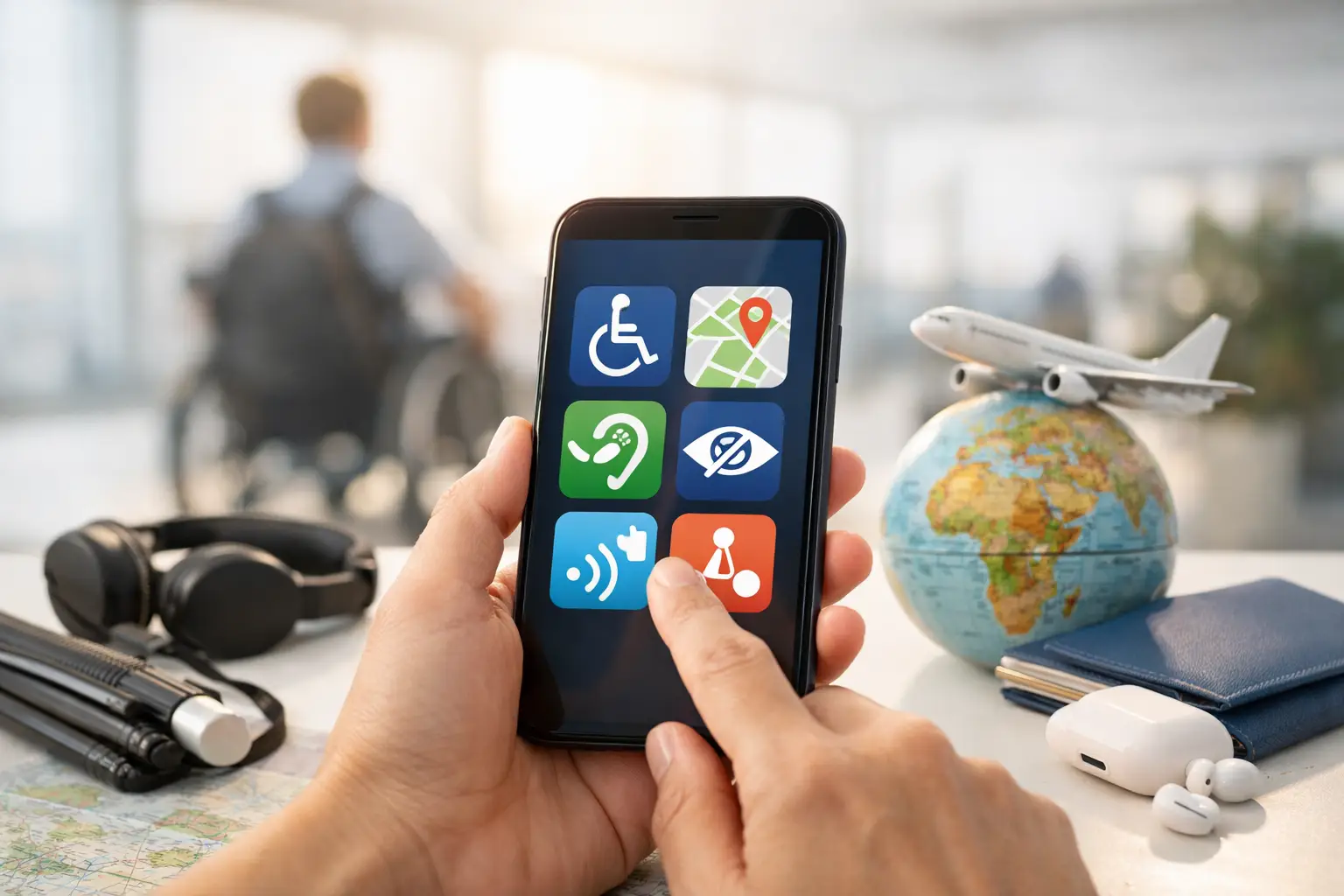
A blue wheelchair symbol on a booking page tells you very little when you need to know whether your mobility scooter will fit through the lift door, where the dropped kerb is, or whether the accessible toilet is actually open. That is where the top accessible travel apps earn their place on your phone. They cannot remove every barrier, but the right combination can stop a bad assumption becoming a ruined day out.
The key is not to expect one app to do everything. Use accessibility apps for venue detail, transport apps for live disruption, and mapping apps for working out the route between them. Then check the important bits yourself before committing to a long journey.
Top accessible travel apps for real trip planning
1. Google Maps
Google Maps is not built specifically for disabled travellers, but it is still one of the most useful tools available. Its wheelchair-accessible route option can help identify step-free public transport journeys in supported cities, while place listings may show wheelchair-accessible entrances, seating, toilets and parking.
Treat those accessibility labels as a starting point, not proof. A venue may have an accessible entrance around the side, but no indication of whether it is locked, steep or reached over uneven ground. Street View can be particularly useful for looking at kerbs, pavement width, road crossings and the approach to a hotel before you book.
For mobility scooter users, zoom out as well as in. The shortest route can involve a pedestrian bridge, a narrow alley or a hill that will drain your battery faster than expected.
2. AccessAble
For UK trips, AccessAble is one of the strongest places to check venues properly. Its detailed access guides cover hotels, restaurants, attractions, hospitals, shops and public buildings. Rather than simply marking somewhere as accessible, guides can include measurements, photos, parking information, ramp details, lift dimensions and accessible toilet layouts.
That level of detail matters. A wheelchair user and a person using a larger Class 3 scooter do not necessarily need the same things. Knowing a doorway width or whether a lift has a tight turning space can save a wasted taxi fare and a lot of frustration.
Coverage varies by area, so do not assume every place will be listed. When it is available, though, it is far more useful than a generic accessible tick box.
3. Wheelmap
Wheelmap is a community-led app and map for finding and rating wheelchair-accessible places around the world. It uses a simple traffic-light style system to show whether an entrance and toilet are fully accessible, partly accessible or not accessible.
It is especially handy when you are abroad and need somewhere practical nearby: a café with a usable loo, a museum entrance without steps, or a supermarket you can actually get into. Its biggest strength is international reach. Its weakness is that community information can be old or incomplete.
Use it to narrow down your options, then ring ahead if access is critical. This is particularly sensible in older towns, where a venue may be accessible inside but the pavement outside is anything but.
4. AccessNow
AccessNow lets users find and share accessibility information for places worldwide. The reports can cover entrances, seating, washrooms, parking and other practical details, often with photos from people who have actually visited.
The photo element is valuable because accessibility is visual. A written claim that a restaurant has a ramp is less useful than seeing whether that ramp is sensible for a powerchair, steep enough to be uncomfortable, or blocked by outdoor tables.
As with any crowd-sourced app, the amount of information depends on where you are going. Major cities tend to be better covered than smaller resorts or rural locations. Still, it is well worth checking before settling for the first venue that says it is accessible.
5. TfL Go
If London is on your itinerary, TfL Go should be downloaded before you leave home. It provides live information for Tube, bus, Overground, Elizabeth line and other Transport for London services, including disruption that can make a carefully planned accessible journey fall apart.
The app helps you identify step-free stations and plan around closures, but do not confuse step-free with effortless. Some stations have a level change between the train and platform, some require staff-operated boarding ramps, and a lift outage can turn a usable route into a dead end.
Check again on the morning you travel, especially if you have timed tickets, theatre seats or an airport connection. London can be very workable by wheelchair or scooter, but only if you allow time and keep a second route in mind.
6. National Rail Enquiries
Train travel gives many disabled travellers more independence than driving long distances, but it rewards preparation. The National Rail Enquiries app is useful for live departures, platform changes, cancellations and delay information across Great Britain.
It should sit alongside Passenger Assist, rather than replace it. Booking assistance remains the sensible option if you need a ramp, help through a station or support changing trains. The app tells you what is happening to the service; it does not guarantee that the staff, lift or accessible route you need will be available.
When planning a journey, avoid tight connections if you use a mobility scooter or wheelchair. A four-minute change may look possible on a timetable but can be unrealistic if the platform changes, the lift is busy or assistance has to be arranged.
7. Citymapper
Citymapper is excellent for comparing city routes quickly. In supported locations, it can show buses, trains, walking sections, journey times and live service changes in a way that makes it easier to spot a practical alternative.
Its value for accessible travel is often the comparison rather than a single answer. A route with one fewer change may be longer on paper but much easier when you have luggage, medication, a scooter to charge and no desire to gamble on a broken lift.
Check the walking element carefully. Apps measure distance, not cracked pavements, parked cars, roadworks or a slope that feels much steeper when you are pushing a manual chair.
8. Google Translate
Google Translate may not look like an accessibility app, but it can be a genuine travel tool when you are overseas. Use it to prepare short, clear questions about step-free entrances, lift size, accessible toilets, charging a mobility scooter, or whether a taxi can take a wheelchair.
Save key phrases before travelling and keep them polite but specific. Asking whether somewhere is wheelchair accessible can produce a confident yes. Asking whether there are steps from the street to the entrance, and whether there is a working lift, is far more likely to get a useful answer.
Download the relevant language for offline use. Mobile signal is not something you want to rely on while stranded outside a station or trying to explain your needs to a hotel reception desk.
Build an app kit, not an app collection
It is easy to fill a phone with apps and still be unprepared. For most UK holidays, a sensible starting kit is Google Maps, AccessAble, your local transport app and National Rail Enquiries if trains are involved. Add Wheelmap or AccessNow for overseas travel, and a translation app where language could be a barrier.
Before setting off, save your hotel, station, attraction and nearest accessible toilet in your maps app. Take screenshots of vital information too, including booking details, transport times and access notes. Signal drops, batteries run low and apps occasionally decide to update at exactly the wrong moment.
Also keep the real-world basics in place. Carry a portable charger, know your scooter's realistic range rather than its brochure range, and have the phone number for the hotel or venue. If an accessible entrance is hidden, a quick call can be more effective than twenty minutes circling a building.
The information still needs checking
No app can see a lift that has failed ten minutes ago, a pavement closed for roadworks, or an accessible toilet being used as a storage cupboard. That is not a reason to give up on them. It is a reason to use them properly.
Check the date of reviews, look for photos, compare two sources where possible and call ahead for anything that could stop your trip. If you find inaccurate information, update it. The next wheelchair user, scooter user or family trying to plan without guesswork will benefit.
Good accessible travel planning is not about accepting less. It is about knowing where the obstacles are before you meet them, keeping a workable backup plan, and getting on with enjoying the journey.
0 Comments
Leave a Comment